Onboarding Engineers to a Legacy Codebase With Minimal Documentation
Self-directed code reading beats waiting for explanations when documentation doesn't exist.
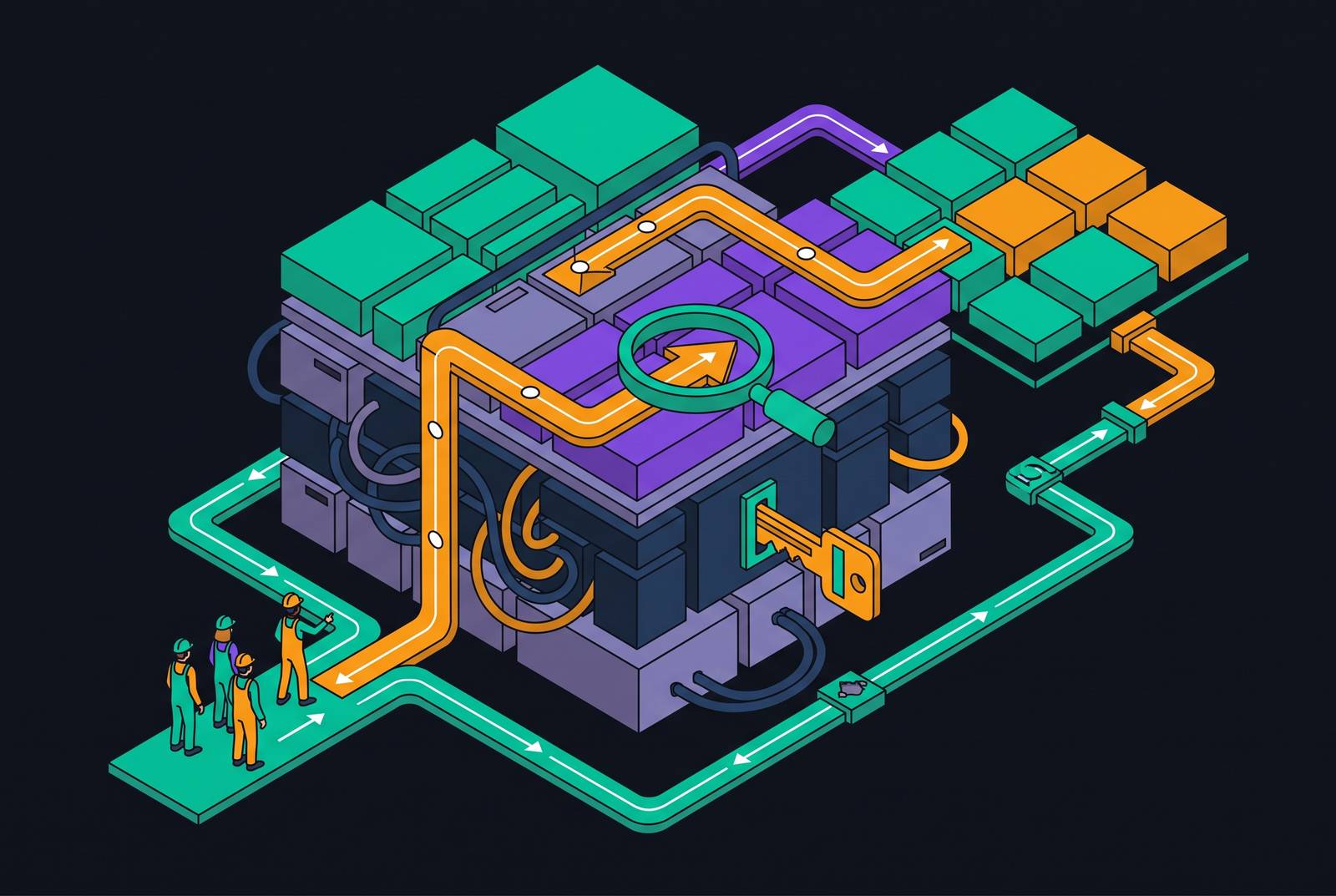
Legacy codebases without documentation are a math problem before they're an engineering problem. The absence of written context doesn't just slow down reading; it removes the signal a new engineer needs to know when they've understood enough to act safely. That gap between what's written and what's true gets filled by execution traces, commit history, and test behavior, and the engineers who read those three sources deliberately ramp up faster than the ones who wait for someone to explain the system to them.
Legacy code is not a fringe scenario reserved for the unlucky. Most professional developers spend a large share of their working life inside systems built by people who left years ago, running on decisions nobody wrote down. Architecture in these systems often reflects constraints that no longer exist: a database that got replaced, a vendor contract that expired, a scaling limit that was solved differently. Comments, on the rare occasions they exist, describe what a block of code does, not why someone chose to do it that way. So the rationale disappears with the person who held it, and the codebase keeps running exactly as before, indifferent to the fact that nobody left can explain it.
What the ramp-up period actually costs when the codebase is opaque
Time-to-full-productivity on a complex legacy system runs longer than most hiring plans account for. Teams often budget a few weeks of ramp-up; the reality on an undocumented monolith is closer to several months before a new hire operates at full capacity. That gap is not just a delay, it is a cost with two distinct components sitting on top of the salary check.
The first is the new hire's own reduced output. An engineer who cannot trace how a request moves through the system produces less, ships more cautiously, and second-guesses changes that a well-documented codebase would let them make with confidence. The second cost is quieter and harder to see on a dashboard: the senior engineer time consumed answering questions, reviewing confused pull requests, and untangling misread context. That senior time has its own opportunity cost, and it doesn't show up as a line item anywhere, but it's real.
Consider the failure case that plays out often enough to be a pattern rather than an anecdote: a new hire can't get the app running locally in week one, breaks a production deploy because the process was never written down, and resigns within two months out of frustration. The visible costs, recruiting fees and salary paid, look bad enough on their own. The real cost, factoring in the disrupted team, the re-hiring cycle, and the lost institutional knowledge that left with them, runs several multiples higher. Unstructured onboarding is how that pattern starts. Without a deliberate process, a new engineer's productivity at the thirty-day mark is a fraction of what it should be, and that shortfall compounds every week it goes uncorrected.
If the failure mode is this expensive, improvised exploration isn't a survivable strategy. What's needed is a repeatable method for reading code that refuses to explain itself.
How to read a codebase that won't explain itself: the entry-point method
When documentation doesn't exist, the execution paths are the documentation. Start at what runs, not at what's written, because what's written may be stale, misleading, or simply absent.
The most reliable starting points are the files that bootstrap the application: main entry files, configuration loaders, startup sequences. From there, trace the request and event entry points, routing files, message queue consumers, scheduled jobs, since these connect directly to what the system actually does when it's alive. Resist the pull toward the giant utility file or the catch-all helper module that looks structurally important; those files mean nothing until you understand what calls them, and reading them first usually just produces confusion dressed up as progress.
Pick one flow, the most common or the most critical operation the system performs, and trace it end to end before trying to understand anything else. Follow it from the request or trigger through every layer to its response or side effect. Note every module boundary it crosses, every external call it makes, and every point where a decision gets made, because those decision points are exactly where undocumented business rules hide. The goal isn't to document the whole system. It's to build a personal map that distinguishes what's confirmed from what's assumed, and that distinction matters more than volume.
Before touching any function, state what it's expected to do, in writing or out loud, then go verify it. This is the stranger's hypothesis practice, and it works because the gap between prediction and reality is the single most precise locator of hidden complexity in the whole codebase. A function that behaves exactly as its name suggests teaches nothing. A function that doesn't is where the real system lives.
Using git history as a substitute for missing documentation
Every commit is a timestamped decision record. In a codebase with no written documentation, git history is the closest thing left to an architectural diary, and it rewards the same forensic attention a detective gives a case file.
git log --follow on a file that looks central shows its whole life, not just its current shape, which matters because the file you're reading today may be the fourth attempt at solving a problem, not the first. git blame identifies who last touched each line and when; the point isn't credit, it's finding which specific commits are worth reading in full. The pickaxe search, git log -S "keyword", finds the exact commit where a string, function name, or behavior entered or left the codebase, which turns a vague question like "when did this validation get added" into a five-minute answer. Merge commits and their attached pull request descriptions are often the only place anyone bothered to write down why a decision was made, even if it's just two sentences buried in a PR from three years ago.
Commit messages are honest about some things and silent about others. They're generally good at recording timing, what changed, and sometimes a linked ticket. They're almost never good at recording why the original design existed or what alternatives got rejected along the way. If the team used a tracker like Jira or Linear, commit messages that reference ticket numbers unlock a second layer entirely: comments, rejected proposals, stakeholder pushback, the kind of context that never made it into code or comments but explains everything once you find it.
Git history has a hard boundary, though. It only accounts for decisions made after the code entered version control. Anything older than the repository itself is dark, permanently, and no amount of forensic digging will recover it.
Interrogating the test suite to infer what the system is supposed to do
A well-named test is a contract. Even a test that's years out of date tells you what the original author believed the function was supposed to do, and that belief is worth more than nothing, often worth more than a comment, because tests get run and comments don't.
Integration and end-to-end tests reveal how components were meant to work together, which is exactly the information missing from a codebase with no architecture docs. The strangest edge-case unit tests are usually the most valuable: a test titled something like "should not process refund if status is X" is frequently the only surviving record of a business rule that exists nowhere else in the system, not in a wiki, not in a ticket, nowhere. Skipped or commented-out tests deserve a read too. They're a graveyard, but graveyards have records; a disabled test often marks a behavior that was deliberately turned off, and knowing that saves someone from accidentally turning it back on.
Run the suite early, on day one if possible. A test suite that fails to run locally is diagnostic information in its own right: it surfaces environment dependencies, missing configuration, and setup assumptions that nobody wrote down anywhere else. Coverage maps help too, not as a quality metric but as a map of what the original team considered risky enough to protect; high-coverage modules are frequently where the most important business logic lives, because someone got burned there before.
None of this is a substitute for judgment. Legacy test suites are often partial, brittle, and written to check implementation details rather than actual behavior. Trust the structure and the naming conventions more than the coverage percentage on the dashboard.
Where code intelligence tools change the equation for undocumented systems
Manual tracing works at the scale of one engineer reading a handful of modules. It breaks down completely once the system spans hundreds of repositories or crosses into millions of lines, because no human can hold that graph in working memory, and grep only gets you so far when the same function name shows up in forty different files with forty different meanings.
Code intelligence tools change what's possible at that scale. Cross-repository symbol search finds every call site for a function across an entire organization's codebase, not just the repos sitting on someone's laptop. Definition and reference navigation works regardless of how sloppily or cleverly the codebase happens to be organized. Finding every usage of a type, an interface, or a constant becomes trivial instead of a half-day archaeology project, which matters enormously in legacy systems where a small, innocent-looking change can ripple into parts of the system nobody thought to check.
Natural-language search against a codebase, asking something like "where do we validate payment status" and getting back located, browsable results, compresses an afternoon of grep-and-scroll into a few minutes. That compression matters even more for people who aren't engineers: support staff, product managers, and technical PMs onboarding adjacent to a legacy system can get direct answers from the code itself instead of interrupting a senior engineer every time a question comes up.
For legacy systems at enterprise scale, though, capability has to answer to security first. These codebases are among the most sensitive assets an organization holds, and routing them through a third-party cloud service just to enable search is a tradeoff most compliance-conscious teams won't accept, full stop. A self-hosted code intelligence platform, one that deploys as a single container inside the organization's own infrastructure and connects to existing repositories and project tools without code ever leaving the perimeter, resolves that objection without giving up the underlying capability. MCP-based connectors that pull Jira or Linear ticket context in alongside code search extend the git-history-plus-external-context workflow described earlier, but at the scale of the whole team rather than one engineer's laptop.
How AI coding agents accelerate legacy exploration when given full codebase context
AI coding agents run into a specific wall on legacy work: an agent that can only see a developer's local files, or a narrow window of surrounding context, can't reason about how a function gets used across the wider system, what its callers assume about it, or what breaks if it changes. That's the same blind spot a human faces when reading in isolation, just automated.
Give the agent full codebase context and the picture changes. It can answer "what else calls this" without the developer manually tracing every reference by hand. It can flag the likely blast radius of a change before the change is made, surfacing exactly the undocumented dependencies that make legacy modification dangerous in the first place. It can produce onboarding summaries of a specific module that are grounded in actual cross-repo behavior, not just guesses based on the one file currently open.
Two agentic tools are worth naming for legacy work specifically. Claude Code operates in the terminal, integrates deeply with MCP, and handles multi-file reasoning and refactors well, which suits legacy migration tasks that span dozens of files at once. Cursor lives inside the IDE, offers a fast inline suggestion loop, and also supports MCP; it fits exploratory reading and smaller, targeted changes better than large-scale refactors. Both extend through MCP to reach the broader context a self-hosted code intelligence layer provides, which is where their usefulness on legacy systems really compounds.
Every tool in this category shares the same hard limit: none of them can see the business context behind the code, the alternatives that got rejected, or the constraints that shaped the original architecture, because that information was never written down anywhere an agent could read it. Teams using these tools daily do reach first meaningful contributions faster, but the acceleration is directly proportional to how much context the agent can actually reach. An agent restricted to one file gives fast, confident, incomplete answers. A new engineer who skips entry-point tracing and git forensics and just asks an agent to explain the system will get something plausible-sounding back, and plausible is not the same as true. The agents accelerate the structured method described above. They don't replace it.
Building a lightweight, living knowledge layer as you onboard — so the next person has more
There's a paradox worth sitting with here. The engineer who just finished struggling through an undocumented system knows more about its real behavior, right now, than anyone who tried to document it from memory ever could. The confusion itself was diagnostic. Every wrong guess and every dead end is data about where the system's real complexity lives, and that data disappears the moment the engineer stops being confused and moves on to the next task.
Capturing it doesn't require much. A short decision record for anything uncovered through git forensics that wasn't obvious from the code is worth more than a restated description of what the code already shows; explain why the pattern exists, not what it does. A running list of the questions that took the longest to answer is a near-perfect prediction of where the next hire will get stuck, usually in the same order. And the one flow traced end to end in week one, annotated now with what's actually understood, is probably the single most useful artifact a new engineer can leave behind.
The format matters less than the habit. Architecture decision records committed directly into the repo live next to the code they explain and travel with it through every future change. A short comment at the top of a module describing what it's responsible for, not how it works internally, saves the next reader from re-deriving intent from implementation. A single updated README section titled something like "how to run this today" would have prevented the day-three production break described earlier, and it costs almost nothing to write.
Organizations that treat onboarding as a knowledge-producing process, not just a ramp-up period to survive, see meaningfully better retention of engineering talent, and the arithmetic favors them: the investment pays back directly in fewer re-hiring cycles. Documentation debt in a legacy system isn't a historical failure that belongs to some past team. It's a live cost, paid again by every new hire who walks in the door, and the only person positioned to reduce that cost for whoever comes next is the engineer who just finished paying it in full.